Scan, earn and redeem: no account, no app for customers
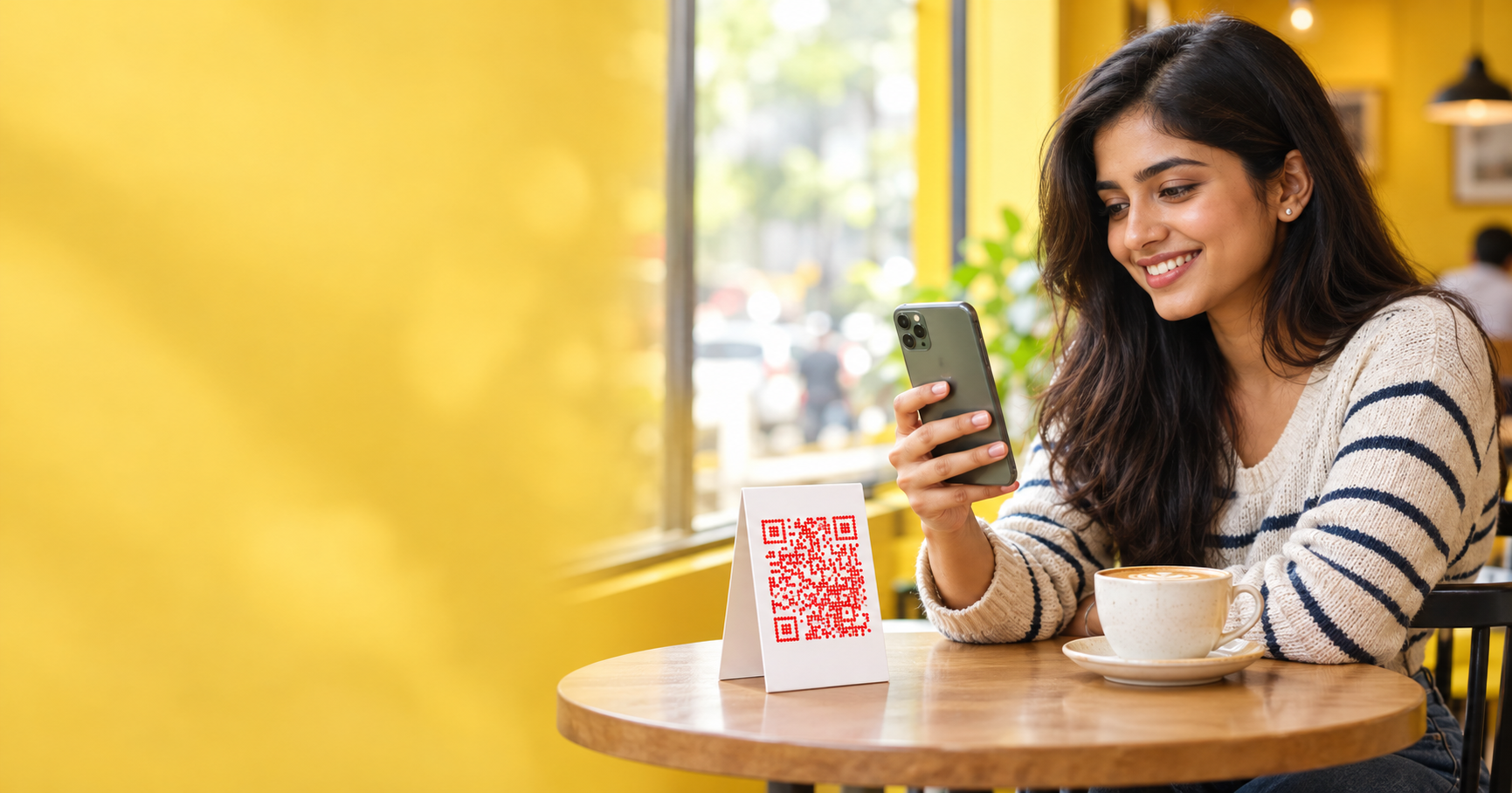
Most reward programs ask you to download an app and create an account. QRewards does not. If you can scan a QR code, you can earn a coupon.
How it works
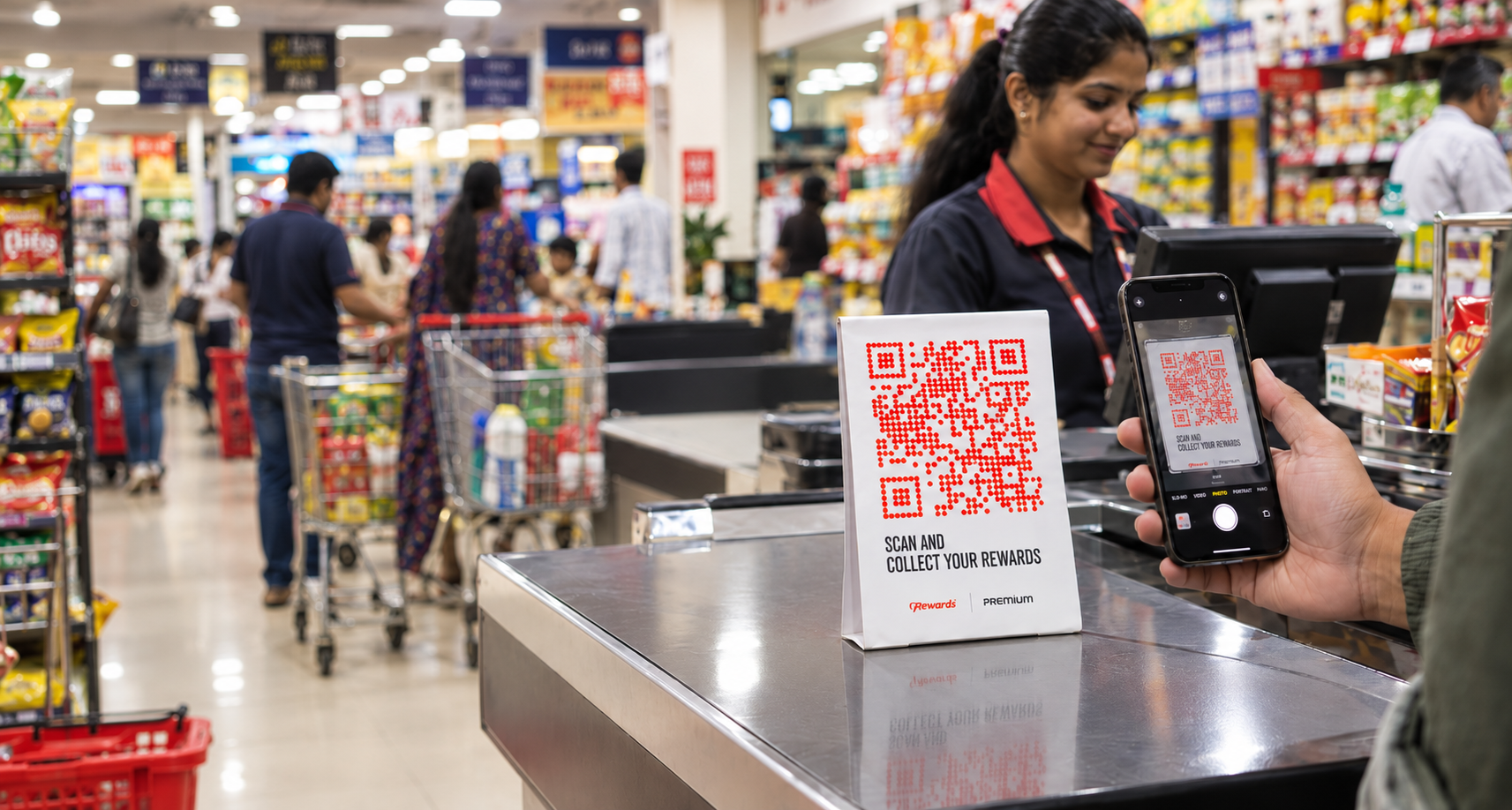
- Scan the QRewards QR code at a participating shop with your phone camera or Google Lens.
- See the task the shop has set and complete it.
- Unlock a scratch-card style reward from the pool of active campaigns.
- Use your coupon at the shop that created the campaign.
Where your coupon lives
Your redeem code is stored only in your own browser, on your own device. QRewards does not link it to your name, phone number or email, because we never ask for them.
That is good for privacy. It also means a few things to remember.
What to keep in mind
- Do not clear your browser data on the phone you used to earn the coupon. Clearing it removes access to the code.
- Do not share the code. Whoever holds or shows a valid code can redeem it, just like a paper coupon.
- We cannot recover a lost code. Because there is no account, we cannot move a coupon to another device or look it up for you.
- Check the expiry date. Every coupon has an issue date and an expiry date.
Limits that apply
Rewards are limited to one per customer per QR per day. Scanning the same QR repeatedly or switching between QRs to collect extra rewards is not allowed, and such coupons may be voided.
Using your coupon
Each coupon comes with the terms of the campaign that issued it, such as a minimum purchase amount. It cannot be exchanged for cash.
- For most coupons, show the redeem code at the shop that created the campaign. The shop checks it on its QRewards Check screen.
- For some campaigns, you may be sent to the brand's own website to use the code.
Summary
No app, no sign-up, no personal details. Scan, complete the task and keep your coupon safe on your phone until you use it.
Keep reading



© 2026 QRewards. All rights reserved.