How to redeem a QRewards coupon at your counter
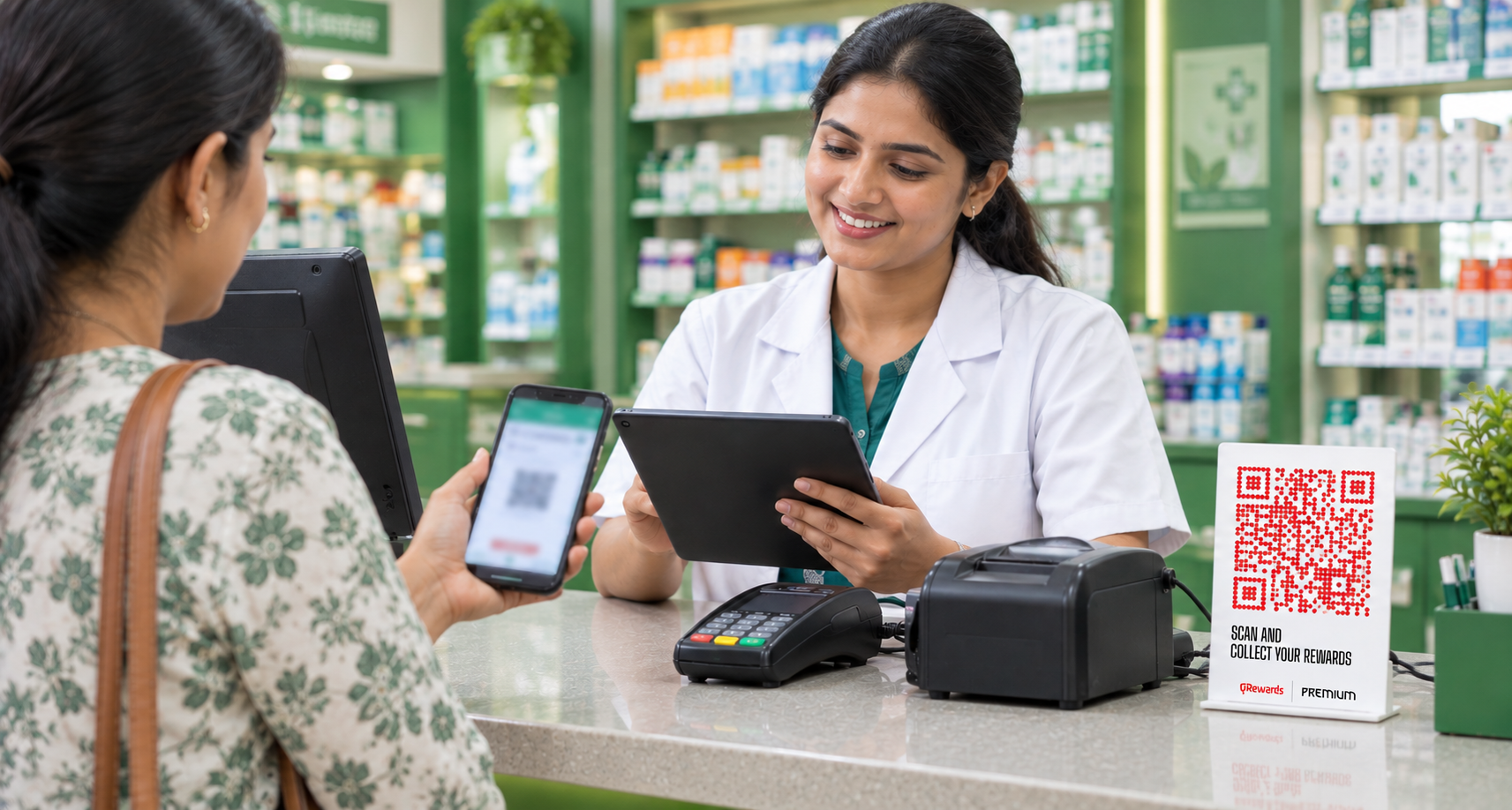
When a customer shows a QRewards coupon, your staff need to know what to do. The process takes a few seconds once you have done it a couple of times.
The Check screen
Every shop dashboard has a Check screen. It tells you whether a redeem code can be used and what offer it carries.
Step by step
- Ask the customer for their redeem code.
- Open the Check screen in your dashboard.
- Enter the code. Where it is relevant, also enter the purchase amount.
- Read the result. It will show that the code is valid, already redeemed or expired.
- If it is valid, check the offer details shown on screen.
- Click Accept to confirm the redemption.
What Accept does
Clicking Accept marks the coupon as redeemed. For generated code campaigns, it also triggers the commission owed to QRewards. That is why you should check the offer details before you click.
Two rules for staff
- Only accept genuine purchases. Accept a redemption only for a purchase actually made by the customer showing the code.
- Honour the offer exactly. Once accepted, give the discount as shown on the Check screen.
Two types of code
- Generated codes. Redeemed in person at the shop that created the campaign, using the Check screen.
- Uploaded codes. The customer may be sent to the brand's own website to use the code, or may redeem in person through the Check screen. When a code is used on the brand's own site, QRewards does not see the purchase amount and the redemption does not appear in your QRewards dashboard.
Common questions
The code says already redeemed. It has been used. Do not accept it again.
The code says expired. The validity window has passed. Politely explain and let the customer know they can earn a new coupon by scanning again.
The customer lost the code. The code is stored in the customer's own browser, so QRewards cannot look it up or recover it.
If you think something is wrong
If you suspect a coupon was redeemed fraudulently, or a charge does not match what the Check screen showed, contact support with the redeem code and the date. We will review the record and reply with the outcome.
Tip for busy hours
Brief your cashiers once. Tell them to ask for the code, check the screen and then click Accept. Most shops find that is all they need.
Keep reading



© 2026 QRewards. All rights reserved.